# Quickstart
### **Step 1: Review Your Pre-Created Signals (2 minutes)**
Navigate to **Intent Signals** in the left sidebar → Review the signals we've created → Adjust frequency if needed (1, 3, or 7 days)
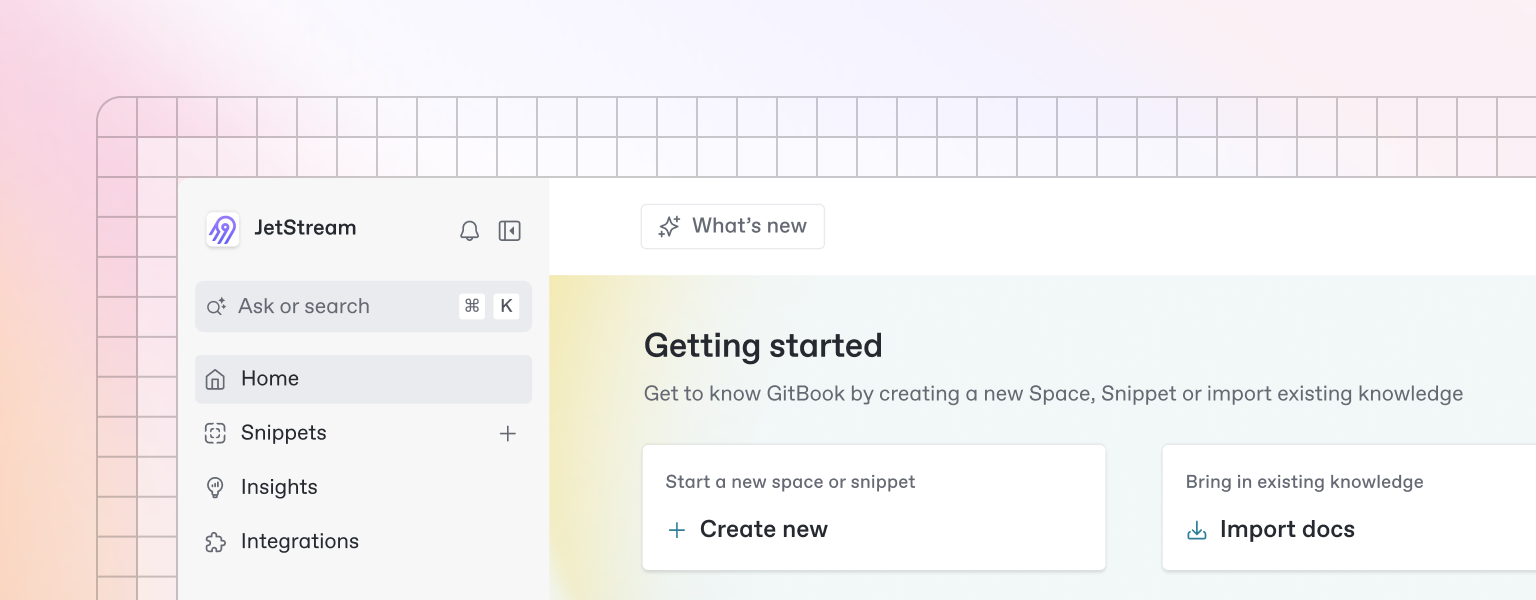
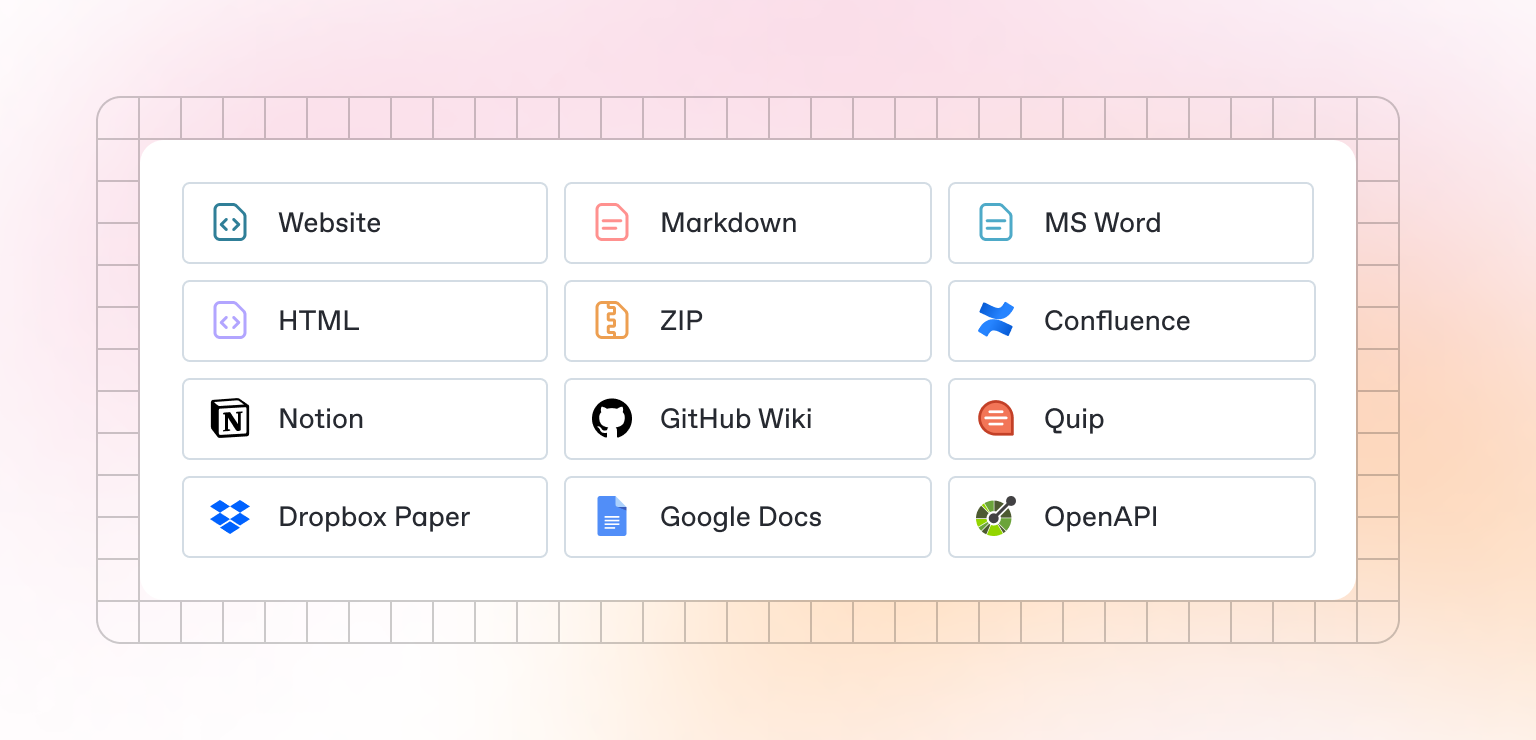
Beautiful documentation starts with the content you create — and GitBook makes it easy to get started with any pre-existing content.
{% hint style="info" %}
Want to learn about writing content from scratch? Head to the [Basics](https://docs.clodexa.com/basics/editor) section to learn more.
{% endhint %}
### **Step 2: Discover Your First Leads (5 minutes)**
Click **Discover** in the left sidebar \
→ Chat with Dex AI agent: "Find companies matching my signals" \
→ Review the results in your Review Queue \
→ Click **Add to Watchlist** for promising leads
### **Step 3: Monitor Your Watchlist (3 minutes)**
GitBook also allows you to set up a bi-directional sync with an existing repository on GitHub or GitLab. Setting up Git Sync allows you and your team to write content in GitBook or in code, and never have to worry about your content becoming out of sync.
### **Step 4: Take Action (5 minutes)**
→ When you see high-intent leads, click **Export to CRM** → Or download as CSV for bulk actions → Reach out while the intent is hot!